
Dashboard Overview
Share:
Dashboard is where you centrally review your SoPilot account profile, credits, subscription status, and common shortcuts.
Quick links
Page screenshot
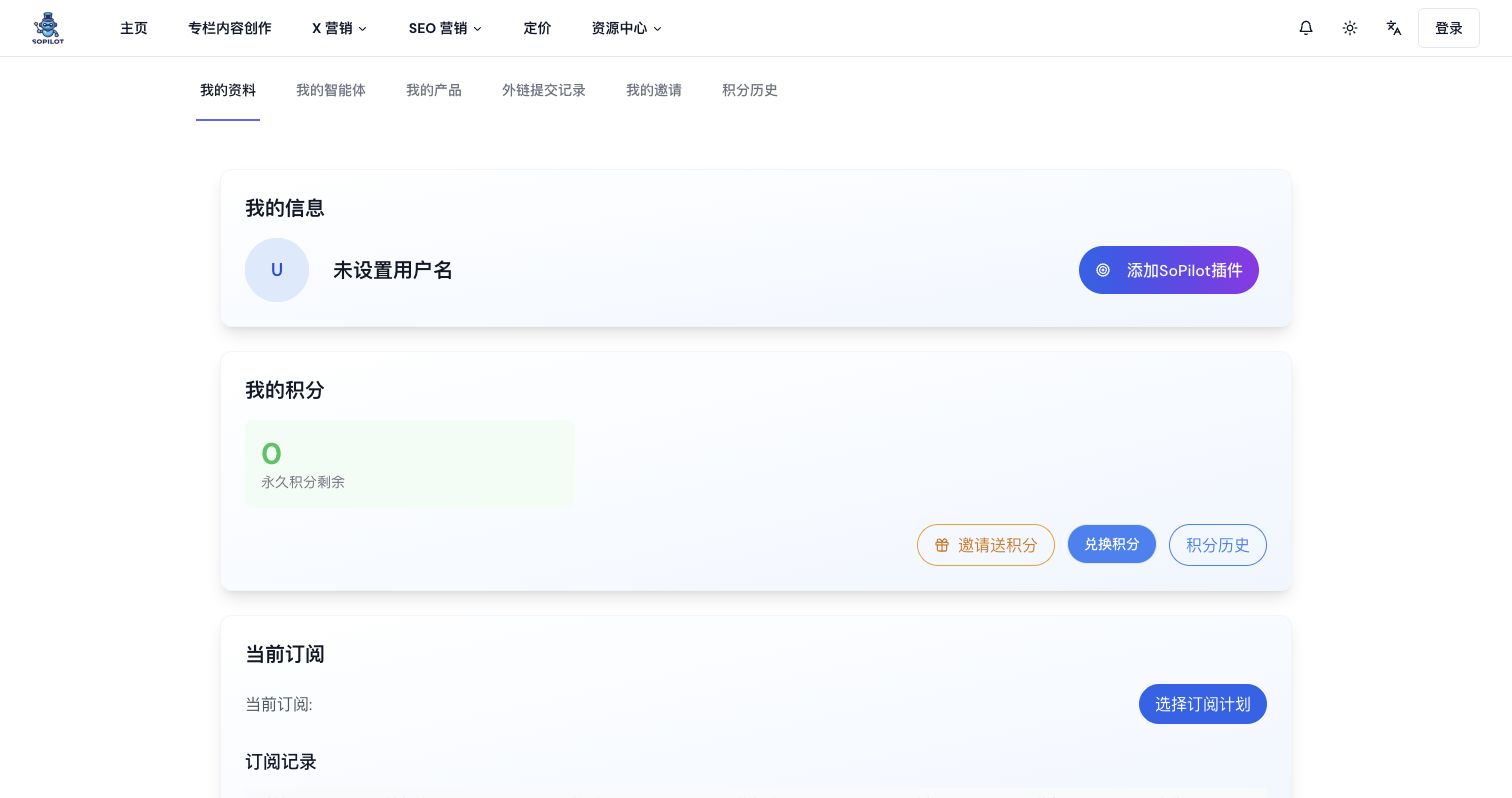
Page overview
The page mainly includes:
- profile information
- credit cards
- subscription information
- subscription records
- common jump links
Profile
Shows your username, avatar, and email.
Credit overview
Shows daily credits, monthly credits, and permanent credits.
Subscription status
Shows your active plan, subscription management entry, and upgrade entry.
Common jump links
Dashboard gives you shortcuts to:
Recommended workflow
Step 1: Confirm account details
After opening Dashboard, check the top account card first:
- confirm the email is correct
- confirm the username is correct
- update the username if needed
Step 2: Check credits
In the credit cards, confirm:
- whether daily credits are enough
- whether monthly credits are enough
- whether permanent credits are still available
If you want details, go to Credit History.
Step 3: Check subscription
In the subscription section, confirm:
- the plan name
- the current status
- whether you need to open plan management or upgrade
Step 4: Move into the next functional page
Depending on your goal:
- to prepare product information, go to Product Management
- to review directory execution results, go to Submission Records
- to review rewards or referral payouts, go to Invites and Rewards
- to understand why credits changed, go to Credit History
- to compare plans, go to Subscription Plans and Benefits
- to understand credit logic, go to Credit System
Common questions
I want to know why some features are unavailable
Start with Dashboard, then review Subscription Plans and Benefits.
I want to know why my credits feel insufficient
Start with Dashboard, then go to Credit History.
Share: